
Settings: make Manasik yours
What is this?
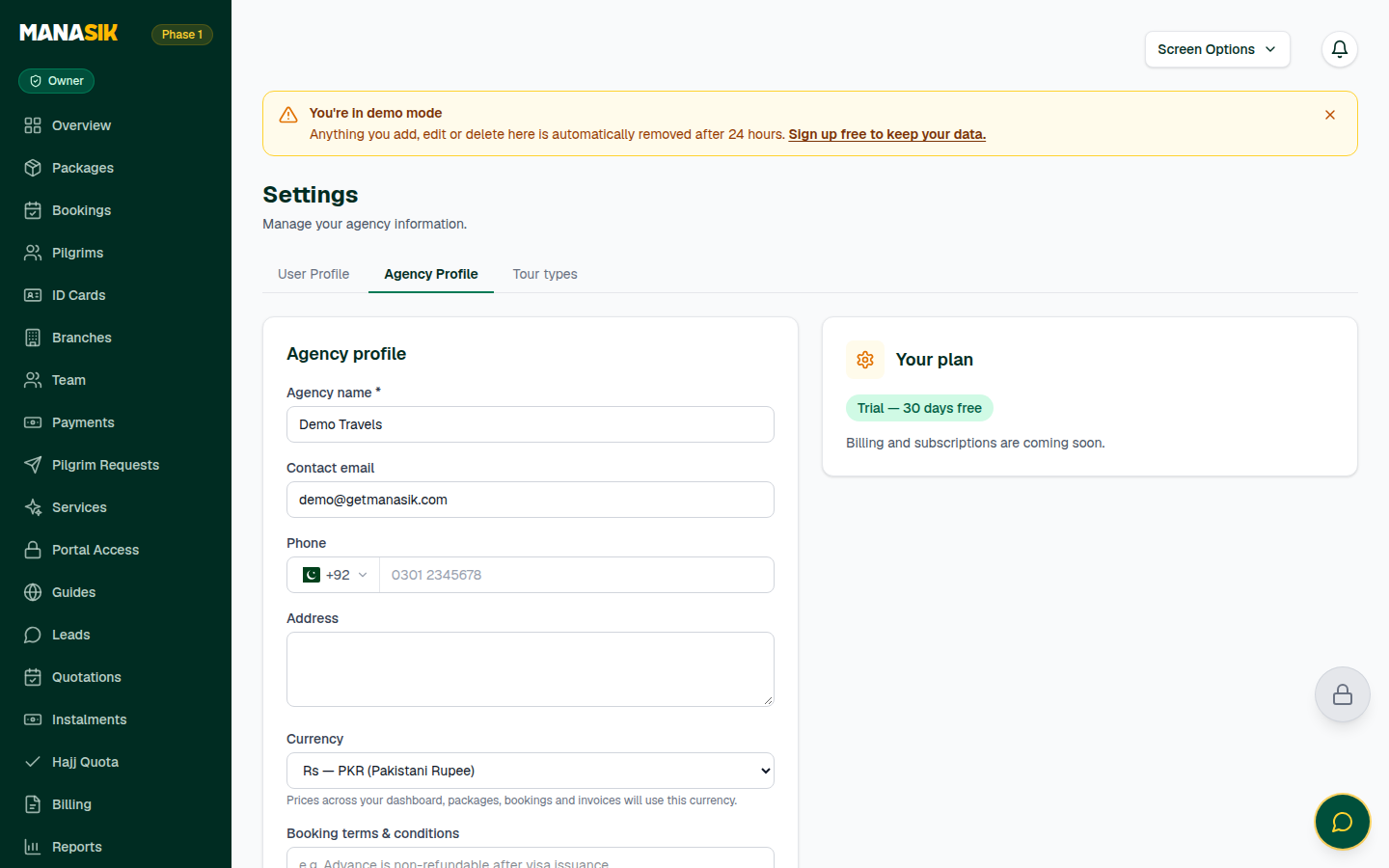
Settings is where your agency's identity lives: its name, contact email, phone and address; its logo and currency; and the booking terms that print on your lists. One more tab lives here too: User Profile, which is about you — your details, your password, extra sign-in security, and your personal preferences like Muawin. Your own tour types are created with Packages, on the Packages page.
When do you use it?
Set Settings up once at the start — logo and currency before your first ID cards and public page. Come back whenever something changes: a new phone number, a new kind of tour, a new password.
Step by step
- 1
Open Settings in the menu. In Agency profile, check the agency name, contact email, phone and address — these appear on your public page and your documents. Choose Save changes.
- 2
Upload your agency logo (PNG, JPG or WebP, up to 2 MB). It appears on your public page, your ID cards and your widgets.
- 3
Choose the agency currency. Prices across your dashboard, packages, bookings and invoices use this currency.
- 4
Write your Booking terms & conditions — they print at the bottom of the booking list printout.
- 5
Need your data in Excel? Export data downloads your Pilgrims, Bookings and Payments as CSV files.
- 6
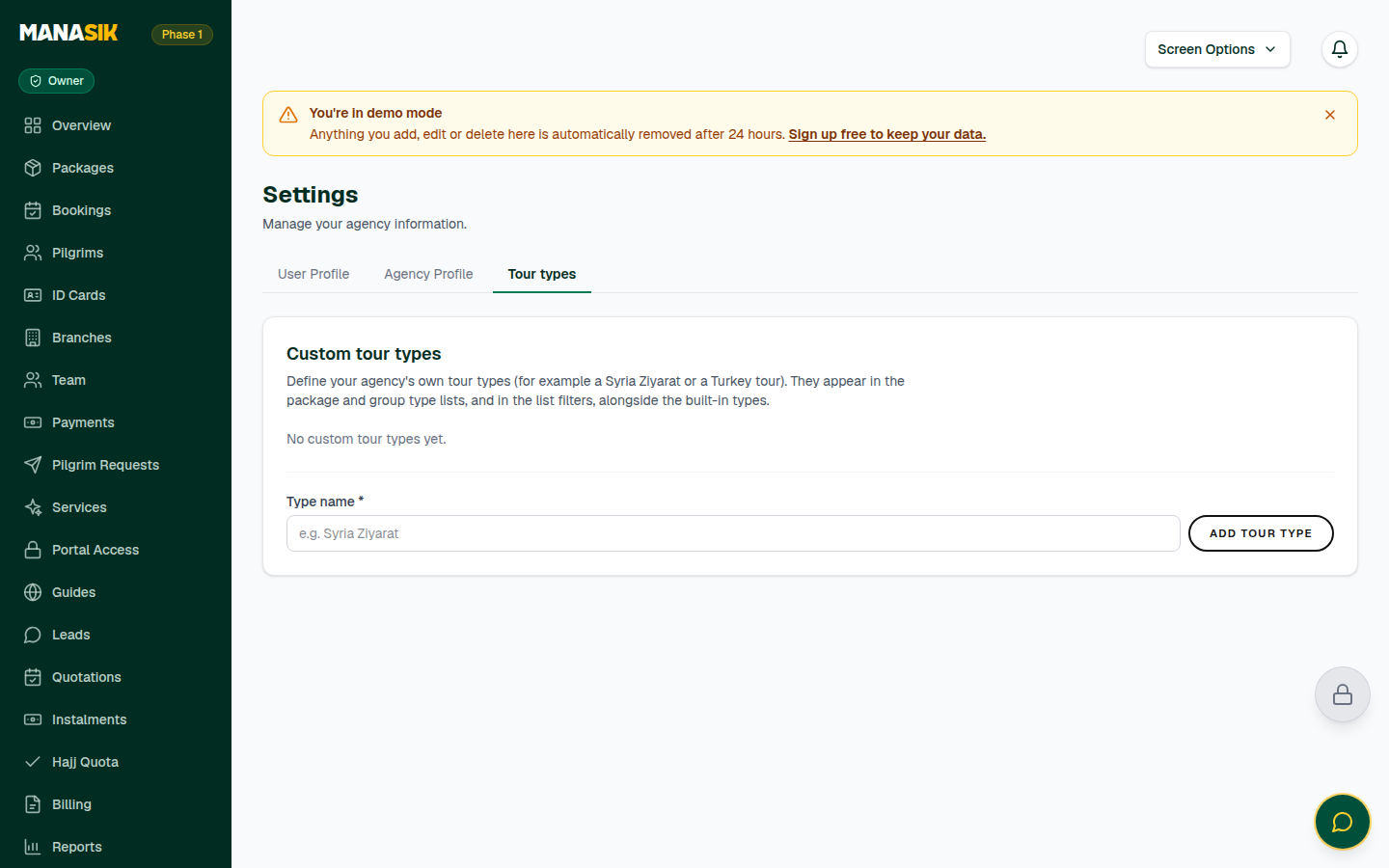
Your own tour types now live with Packages: open the Tour types card on the Packages page to create one — for example “Turkey Islamic Tour”. It joins Hajj, Umrah, Ziyarat and Al Quds in the package, group and booking forms. You can rename a type, deactivate it so it stops appearing in new forms, or delete a type that was never used. The built-in types always stay.
- 7
Open the User Profile tab for yourself: your profile details, the Change password card, extra sign-in security (MFA), and the Muawin show/hide card.
- 8
Only owners and admins can edit agency settings. For everyone else, the page is read-only.
Tips & common mistakes
Do Settings before ID cards and the public page — both take the logo and contact details from here.
Deactivate a custom tour type instead of deleting it when old groups still use it. Deactivated types stop appearing in new forms, and nothing breaks.
Manasik speaks 10 languages. Your dashboard opens in the language of the address you use — for example the /ur/ address for Urdu, or /ar/ for Arabic — so bookmark the address in the language your team reads best.
Common questions
Owners and admins. If the page is read-only for you, ask an owner or admin to make the change for you.