
ID cards: every traveler, one card
What is this?
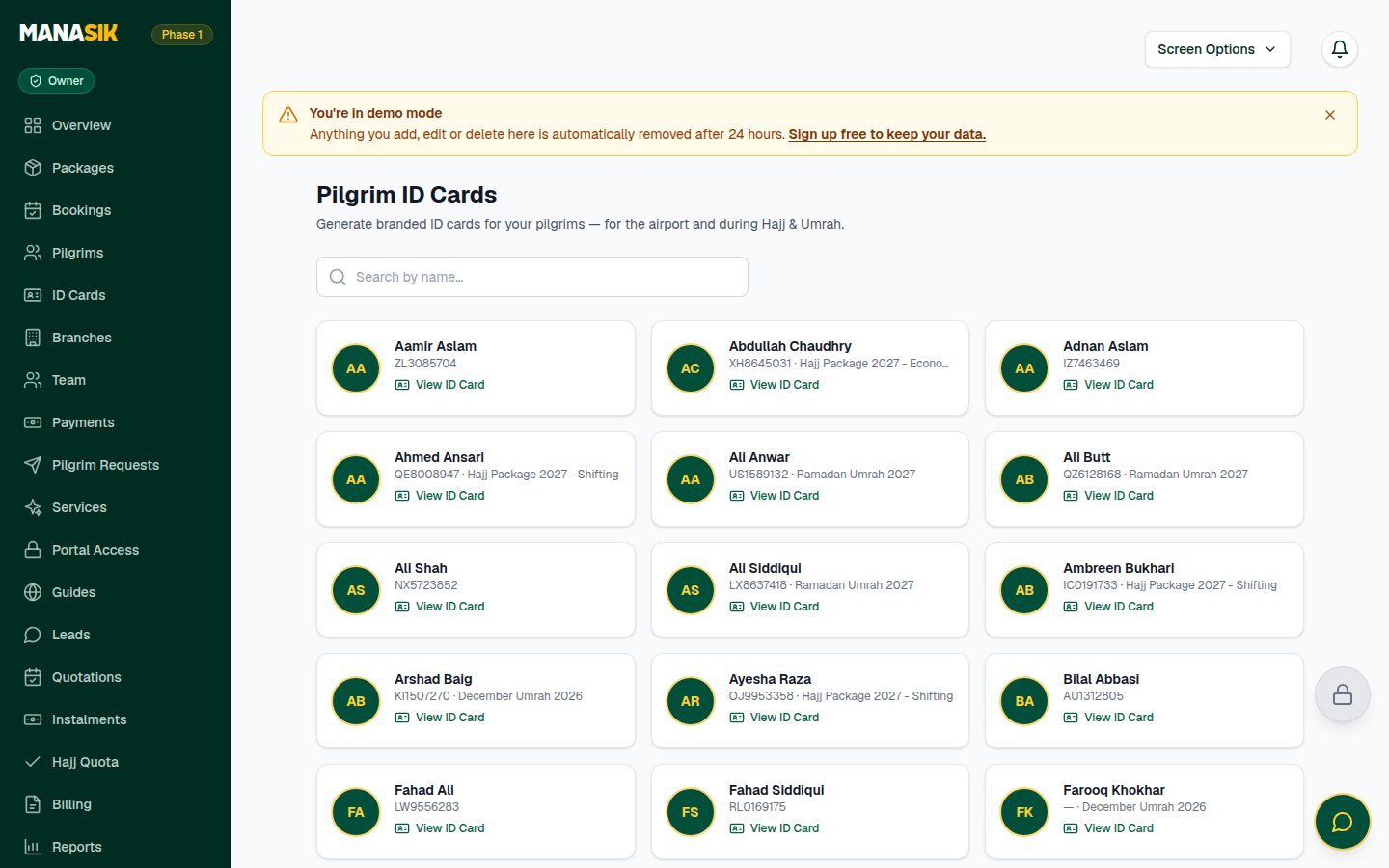
Every traveler in Manasik can have an ID card with their name, Pilgrim ID, passport number, package, emergency contact and your agency's name and logo. Travelers wear it at the airport and during the journey, so your group is easy to spot — and every traveler carries your contact in case of emergency. The card also carries a code that can be scanned to verify it.
When do you use it?
Make the cards after a group is final — a few days before departure. Hand them out at the meeting point, or send them ahead on WhatsApp so travelers arrive wearing them.
Step by step
- 1
Open ID Cards in the menu.
- 2
Search the traveler's name and choose View ID Card.
- 3
Check the card carefully: name, Pilgrim ID, passport, package and emergency contact. Something wrong? Fix the traveler record first (see the Travelers chapter), then come back — the card always reads from the record.
- 4
Choose Print to print the card. Your browser's print dialog also lets you save it as a PDF.
- 5
Or choose Download PNG to save the card as an image file.
- 6
To send it to the traveler, use the WhatsApp share button — or Copy link and paste the link anywhere.
Tips & common mistakes
Cards carry your agency logo from Settings. Upload the logo once and every card, your public page and your widgets wear it.
If a card says “No package assigned”, the traveler needs a booking first — the card shows the package from their booking.
Print on thick paper, or laminate the cards: airport days are hard on paper.
Common questions
In the traveler's record — the Emergency contact field. The card updates itself; you never edit the card directly.