
Team and sub-agents: many hands, one agency
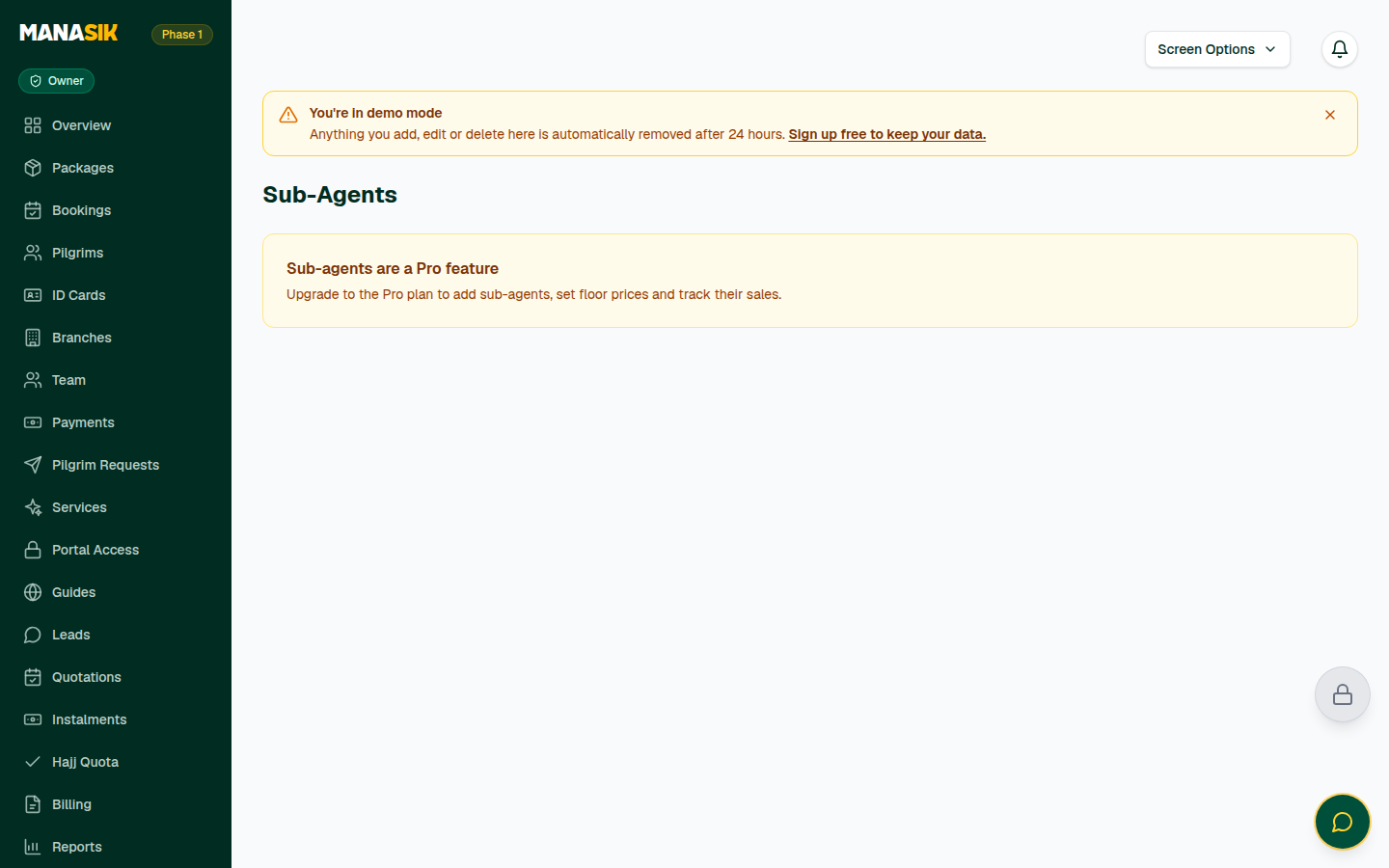
Sub-agents are a Pro plan feature. Team members work on every plan.
What is this?
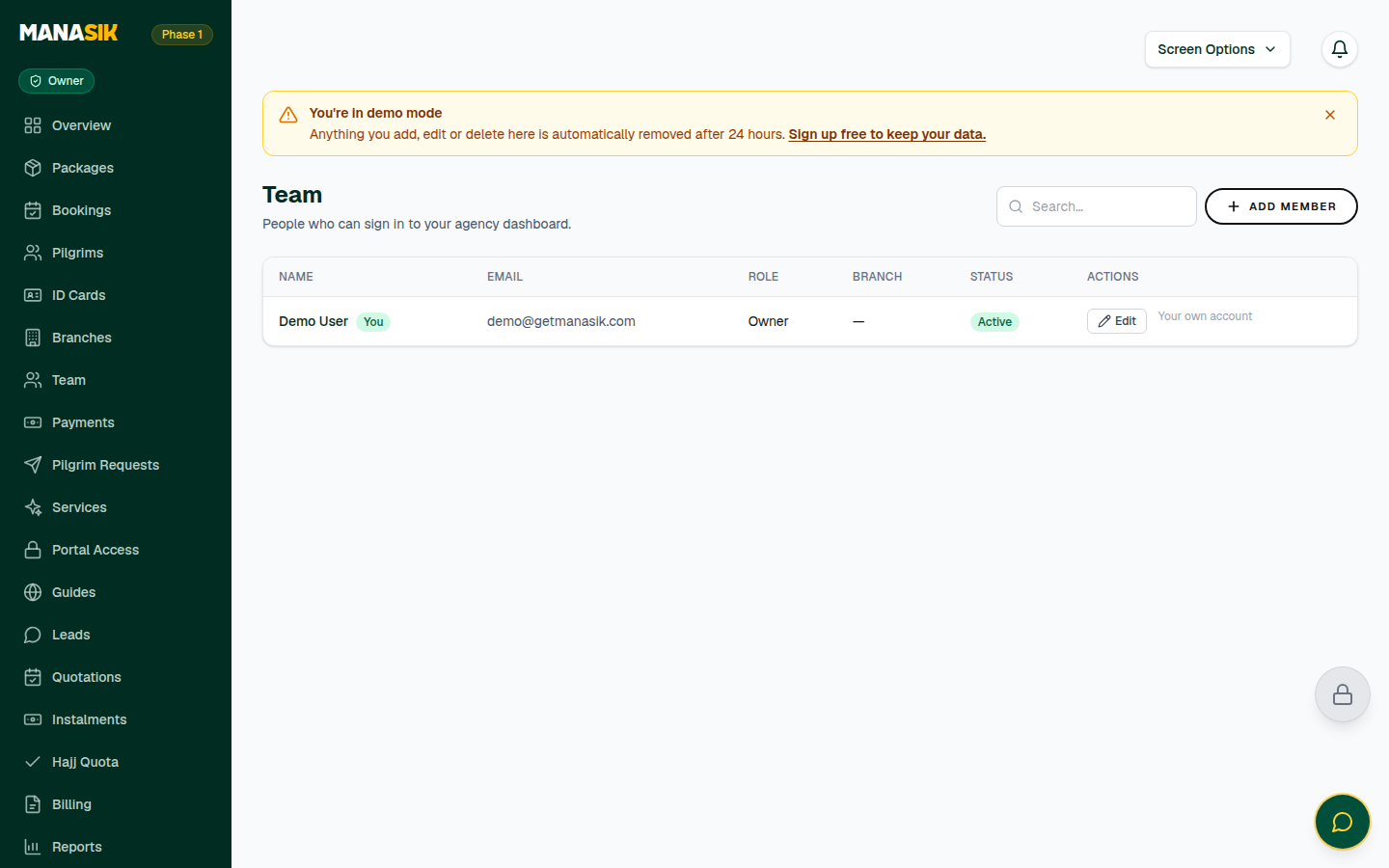
Never share one password with the whole office. The Team page gives every staff member their own sign-in with a role — Owner, Admin, Branch Manager or Staff — so each person gets the access their job needs. Sub-agents are different: partner sellers outside your office who bring you pilgrims under your brand. A sub-agent's login shows them only their own records, and floor prices you set stop them ever selling below your minimum.
When do you use it?
Add a team member the day someone joins, change their role when their duties change, and deactivate their login the day they leave. Add a sub-agent when a partner starts selling your packages.
Step by step
- 1
Open Team in the menu and choose Add Member.
- 2
Write their full name, email and a password (at least 8 characters), choose their role, and their branch if your agency uses branches. Save.
- 3
Tell the member their email and password privately — they sign in with exactly those details.
- 4
Duties changed? Edit the member and Save role. Someone left? Deactivate their login — their past work stays in your records; only the sign-in stops.
- 5
Two safety rules protect you: you cannot change your own role or status, and the last owner cannot be removed — promote another member to owner first.
- 6
For a partner seller, open Sub-Agents in the menu and choose Add sub-agent: their agency name, a contact person, email and phone.
- 7
Set the floor prices — the minimum price a sub-agent may sell each package for. A package can carry a default floor, and you can set a different floor for one agent. Nobody can sell below the floor, and the difference above it is the sub-agent's own earning.
- 8
Choose Create login on the sub-agent to give them dashboard access. They can record payments on their own bookings, and they only ever see their own pilgrims, bookings, leads and quotations.
- 9
Follow each sub-agent's numbers on the Sub-Agents page — bookings, sold, collected and outstanding — and deactivate the login if a partnership ends.
Tips & common mistakes
Roles are about the job, not about rank: Staff for daily operators, Branch Manager for a branch head, Admin for managers, Owner only for the people who own the business.
Set floors before you create a sub-agent's login — the protection works from their very first booking.
Share passwords through a private message or in person, never in a group chat.
Common questions
No. A sub-agent login only ever shows that sub-agent's own pilgrims, bookings, leads and quotations — never the whole agency.