
Your public page and the traveler portal
The traveler portal — with requests and services — is part of the Standard and Pro plans.
What is this?
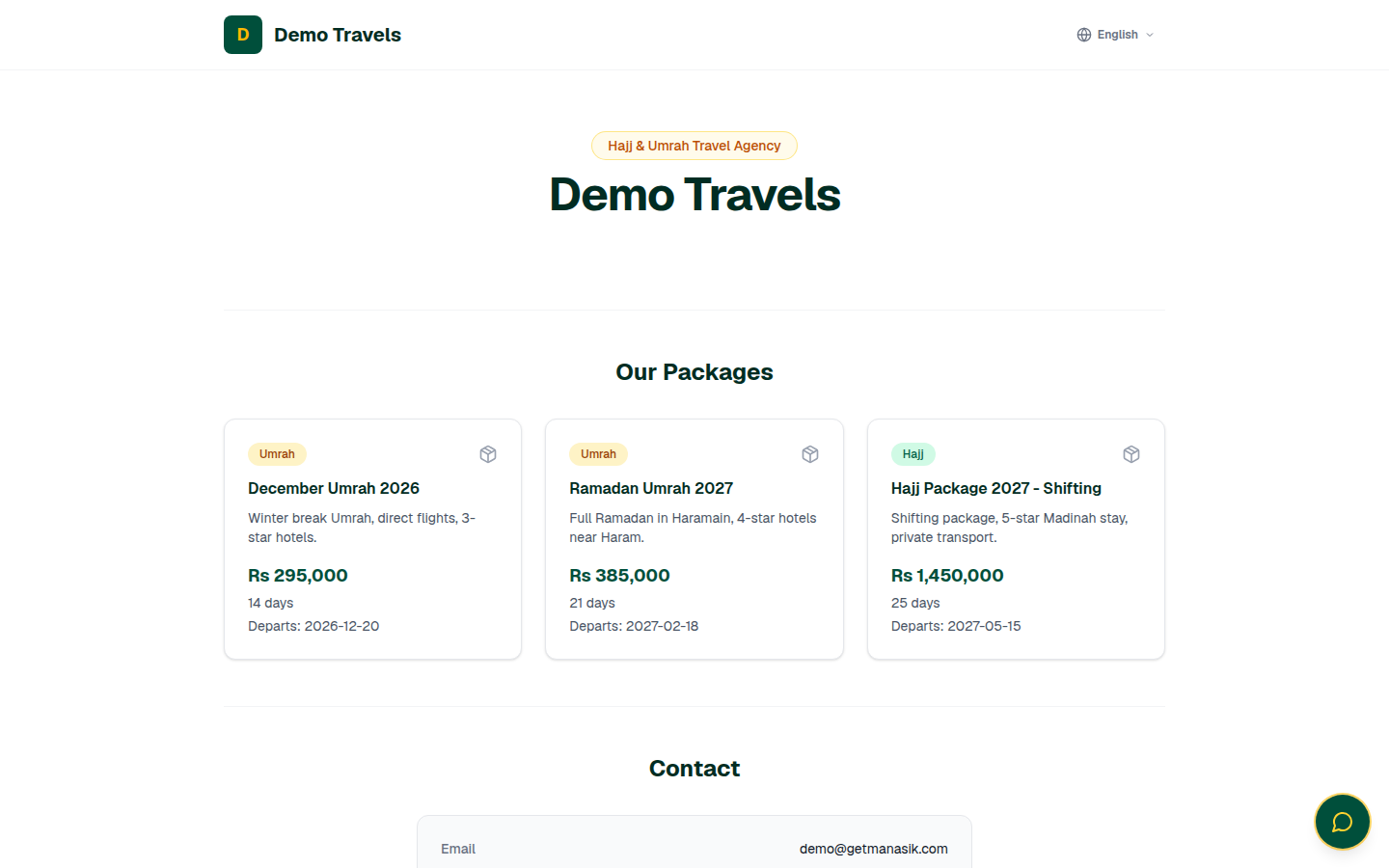
Manasik gives your agency a public page on the internet — no domain or website needed. It shows your packages, phone, email and address automatically. If you already have a website, you can place your packages and a booking form on it with small copy-paste snippets. And each traveler can get portal access: a private sign-in where they follow their application status step by step, and use requests, services, guides and their documents.
When do you use it?
Set the public page up once, right after your first packages. Share its link everywhere — WhatsApp status, Facebook, your shop card. Give a traveler portal access when their booking is confirmed.
Step by step
- 1
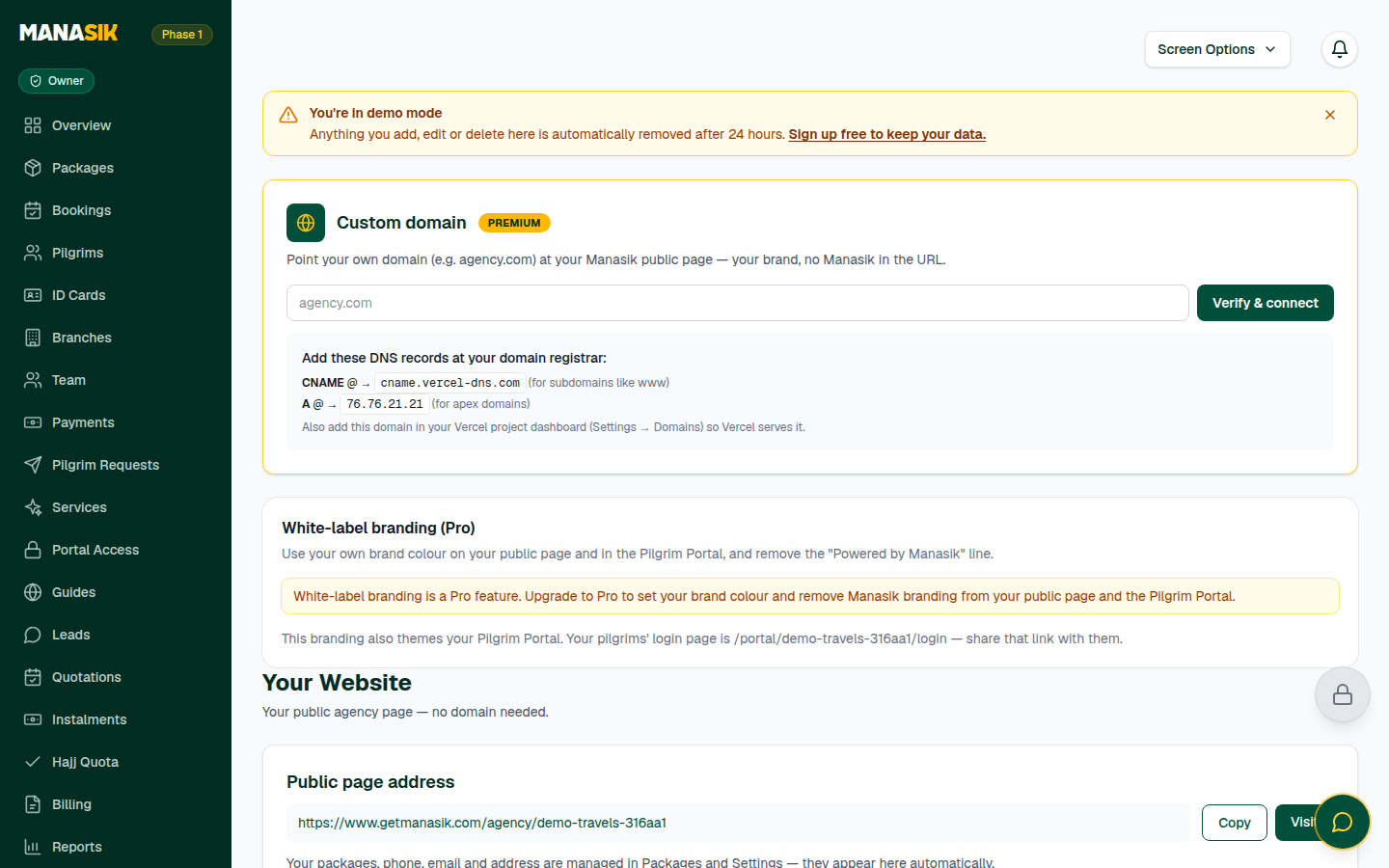
Open Website in the menu. Your public page address is at the top — choose Copy to copy it, or Visit to see exactly what the public sees.
- 2
In Page settings, keep Public page enabled switched on, write a short About your agency, and add your WhatsApp number and your social links (Facebook, Instagram, YouTube, TikTok). Save changes.
- 3
Your logo, packages, phone, email and address come from Settings and Packages automatically. Change them there, and the page follows on its own.
- 4
Already have a website? Copy the Packages widget or the Booking form widget snippet from this page and paste it into your site — WordPress and any other website work. Bookings sent from the form land straight in your Manasik dashboard.
- 5
The Custom domain section (marked Premium) lets you point your own domain — for example agency.com — at your Manasik page, so the page wears your own brand address.
- 6
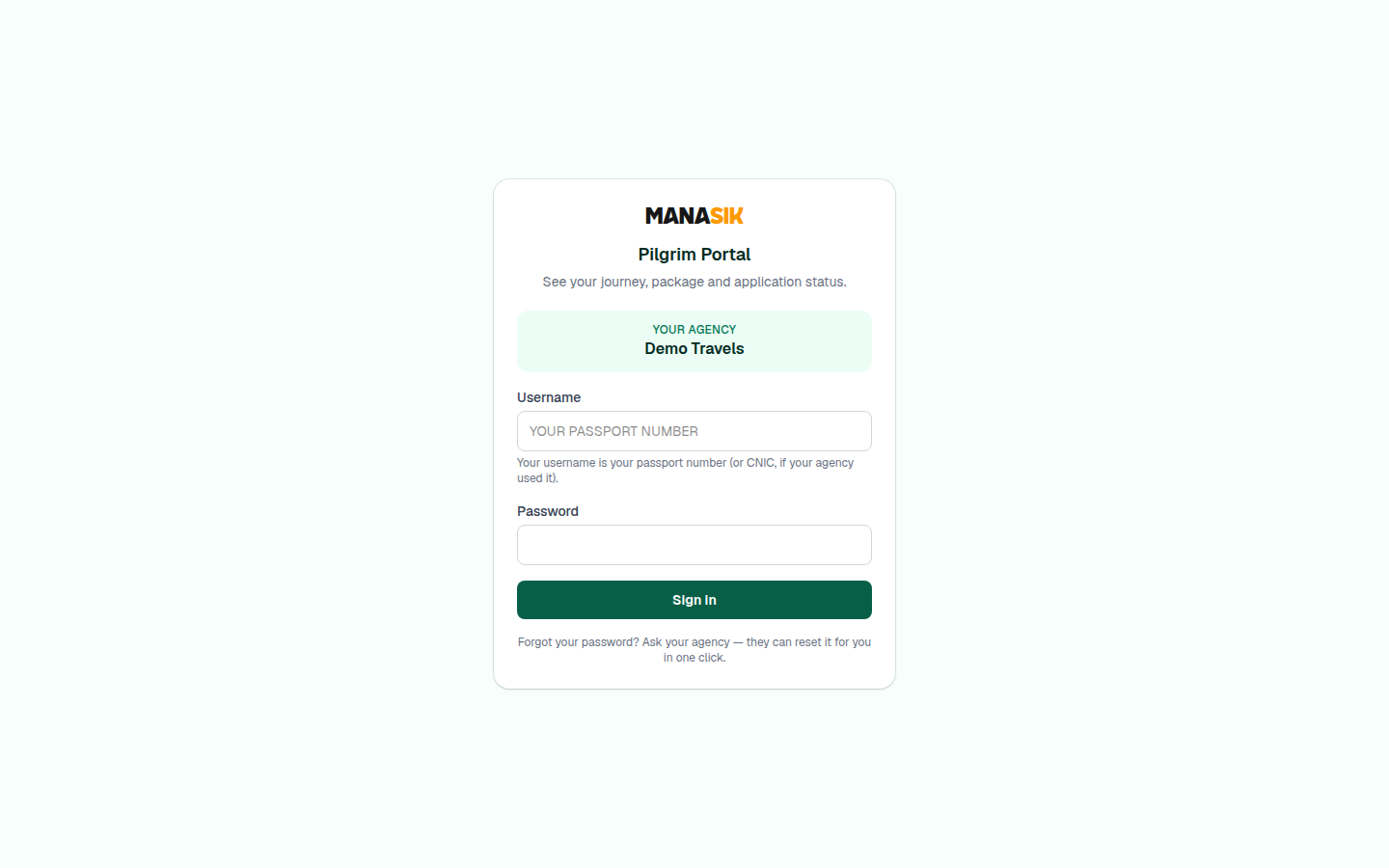
For the traveler portal, open Portal Access in the menu. There you manage which travelers can sign in, and you can reset a traveler's portal password in one click if they forget it.
- 7
The traveler signs in on the portal page with your agency code — the code from your public page address — their passport number as the username (or CNIC, if that is what you used), and their password.
- 8
Inside the portal, the traveler sees My Journey: their application status, step by step, plus Requests, Services, Guides, and Visa & Documents.
Tips & common mistakes
You can switch the public page off at any time with the same Public page enabled switch — useful if you ever need to pause new enquiries.
The widgets speak English by default. In the snippet, change data-lang to ur for Urdu or ar for Arabic.
Never give a traveler your own dashboard password. Portal access is separate for each traveler, and you can switch it off at any time.
Common questions
The page shows your packages and how to reach you, and the booking form widget sends bookings straight into your dashboard, ready for you to confirm. Travelers do not pay online on the public page.