
Manasik — Complete User Guide
Welcome to Manasik
Manasik is the management system for Hajj, Umrah and Ziyarat travel agencies. In one dashboard your agency manages pilgrims, packages, bookings, payments and instalments, groups, leads, ID cards, documents and visa tracking, Hajj quota, your team and sub-agents, reports, and your own public website page.
Start in one of three ways
- Free trial — sign up at getmanasik.com. Your agency account starts with a 30-day free trial.
- Try the live demo — use the "Try Live Demo" button on the sign-in page to explore with sample data first.
- Sign in — with your email and password, or with Google.
After signing in you land on the Dashboard. A Getting Started checklist on the dashboard walks you through the first setup steps (for example: complete your agency profile, add your first package, add your first pilgrim).
1. Dashboard
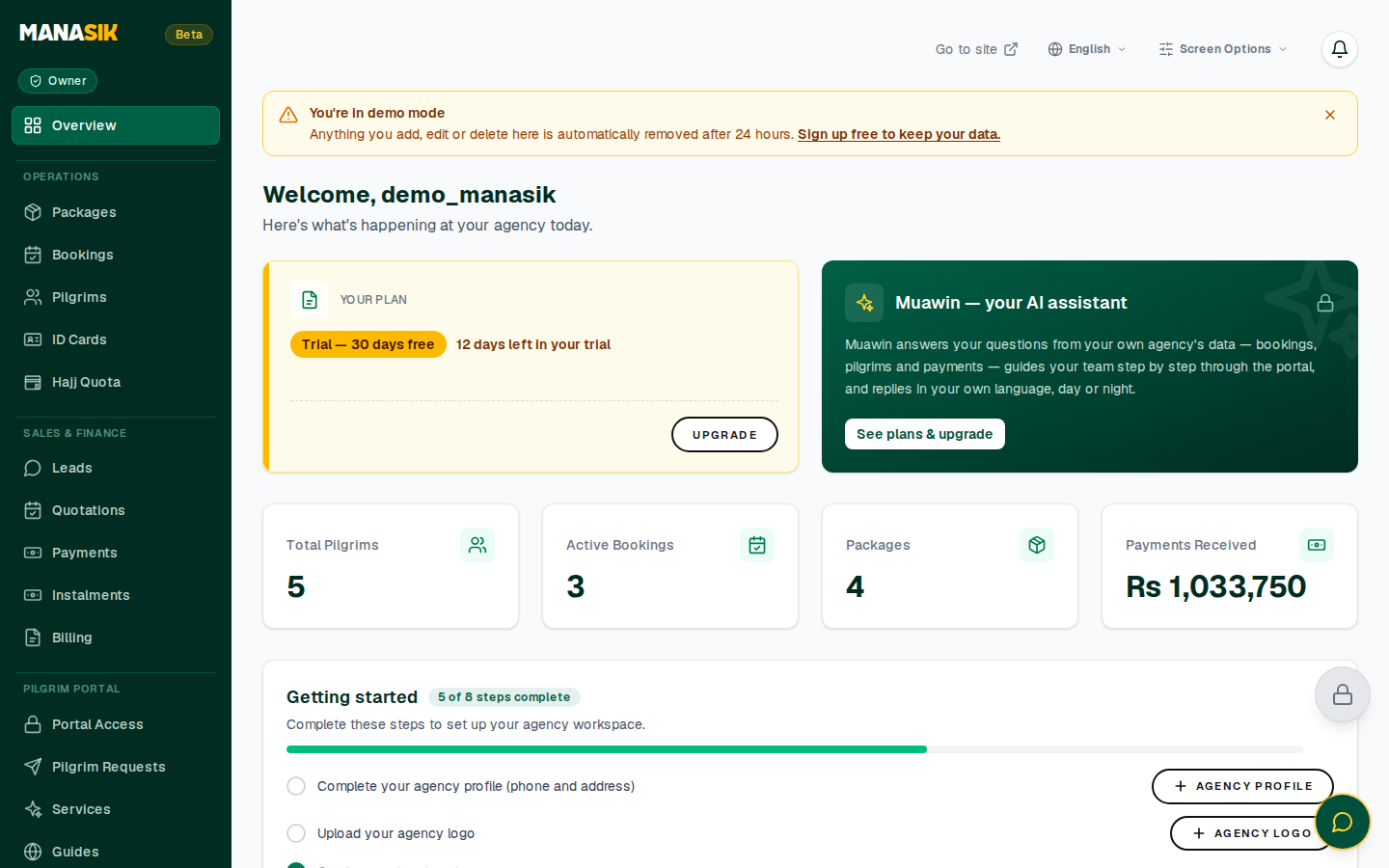
The dashboard is your agency's control room. At a glance it shows:
- Total Pilgrims — every traveller record in your agency
- Active Bookings — bookings currently in progress
- Packages — how many travel packages you offer
- Total Payments — money collected so far
- Getting Started — your setup progress (for example 5 of 8 steps done)
The left menu opens every part of the system: Pilgrims, Bookings, Packages, Groups, Leads, ID Cards, Documents & Visa, Hajj Quota, Team, Sub-agents, Reports, Billing, Settings and Website.
2. Pilgrims
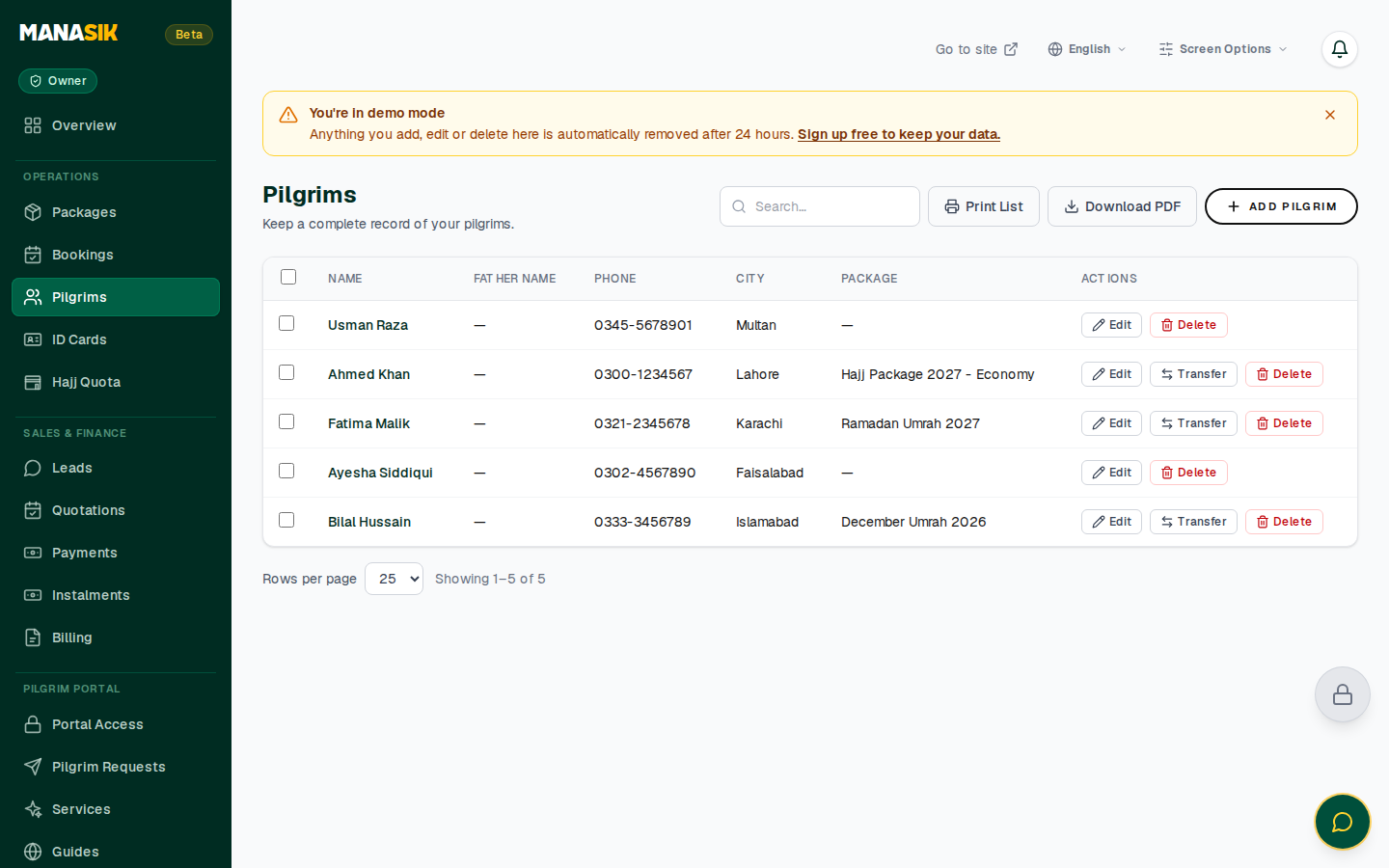
The Pilgrims page lists every traveller with their key details. Use the search box to find a pilgrim by name or phone.
Add a pilgrim
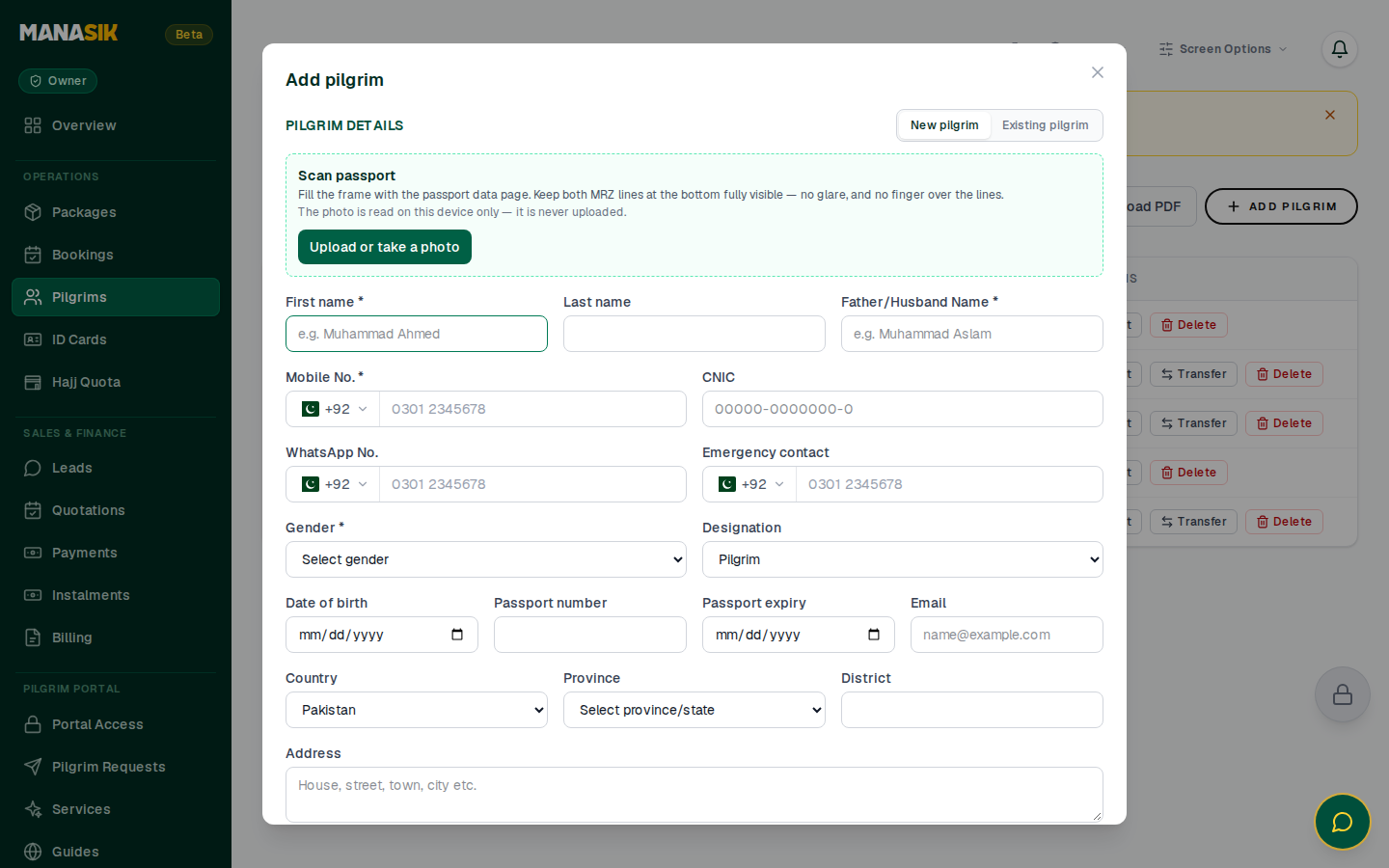
- Click Add Pilgrim.
- Fill the form, section by section: - Personal information — full name, date of birth, gender - Passport details — passport number and expiry date - Contact & address — phone, WhatsApp, address - Emergency contact — a relative's name and number - Group / package — link the pilgrim to a group or package - Documents — upload the pilgrim's documents
- Click Save. The pilgrim now appears in the list.
To change a record later, open the pilgrim and use Edit. The wording on screen follows the traveller's tour type — Pilgrims on Hajj and Umrah, Zayireen on Ziyarat tours, Travelers on other tours.
3. Bookings and instalments
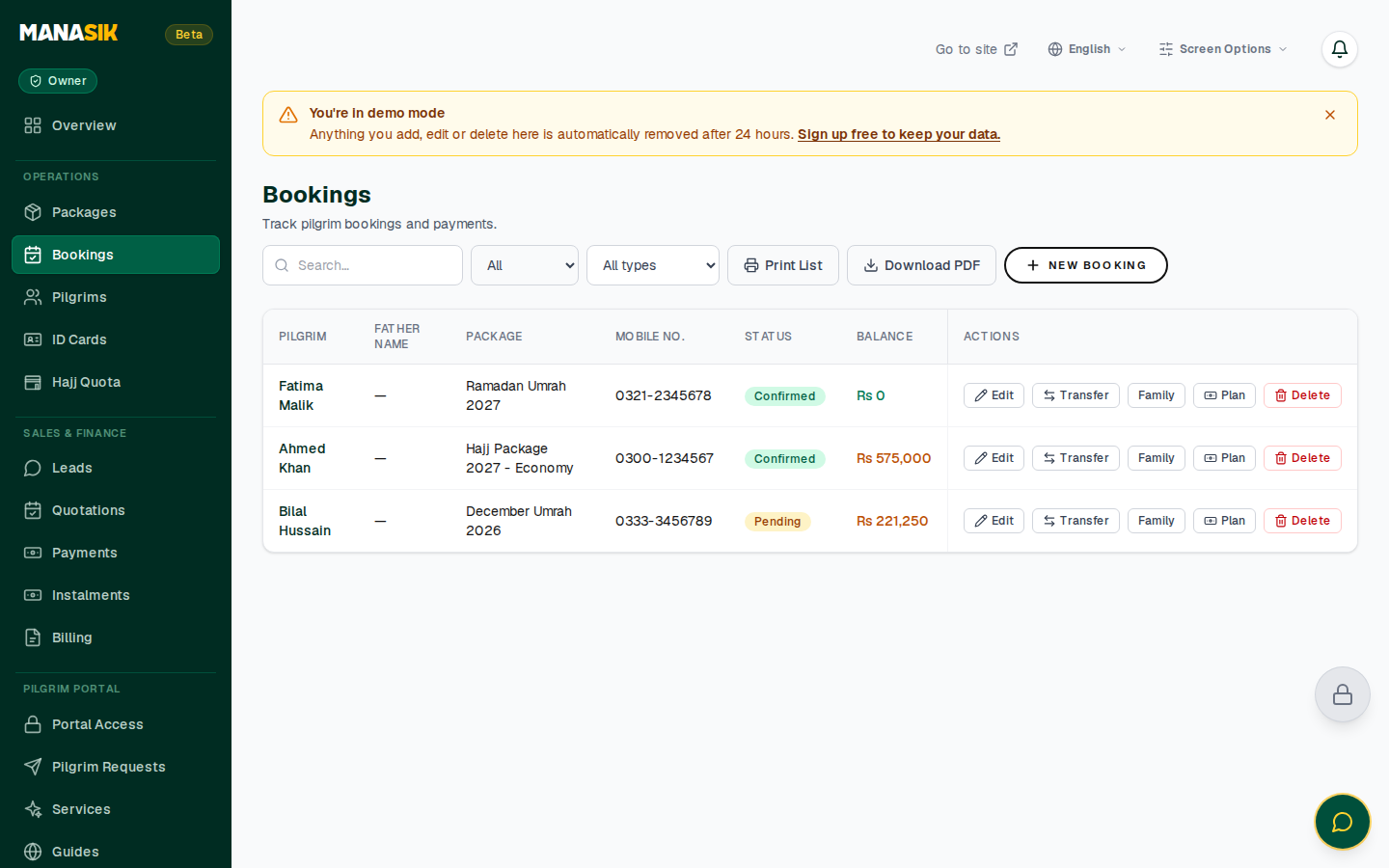
The Bookings page shows every booking: the pilgrim, the package, the total amount, how much is paid and how much is outstanding.
Booking detail and the instalment plan
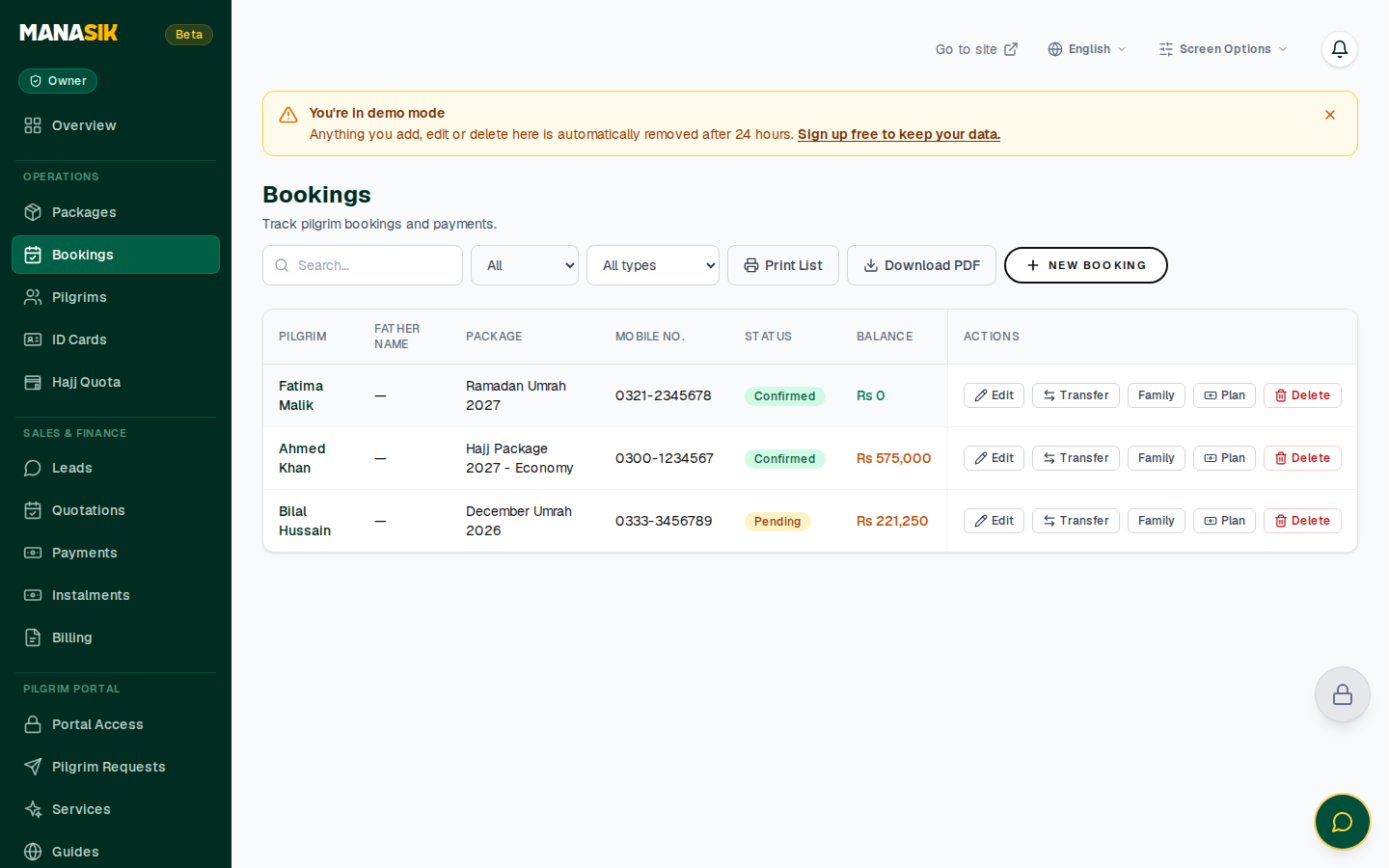
- Open a booking from the list.
- The booking shows the Total, the Amount Paid and the Remaining balance.
- Open the Instalment plan to split the remaining amount into scheduled instalments with due dates.
- When a pilgrim pays, record the payment against the booking — the paid and remaining figures update at once, and the payment appears in Reports.
4. Packages and tour types
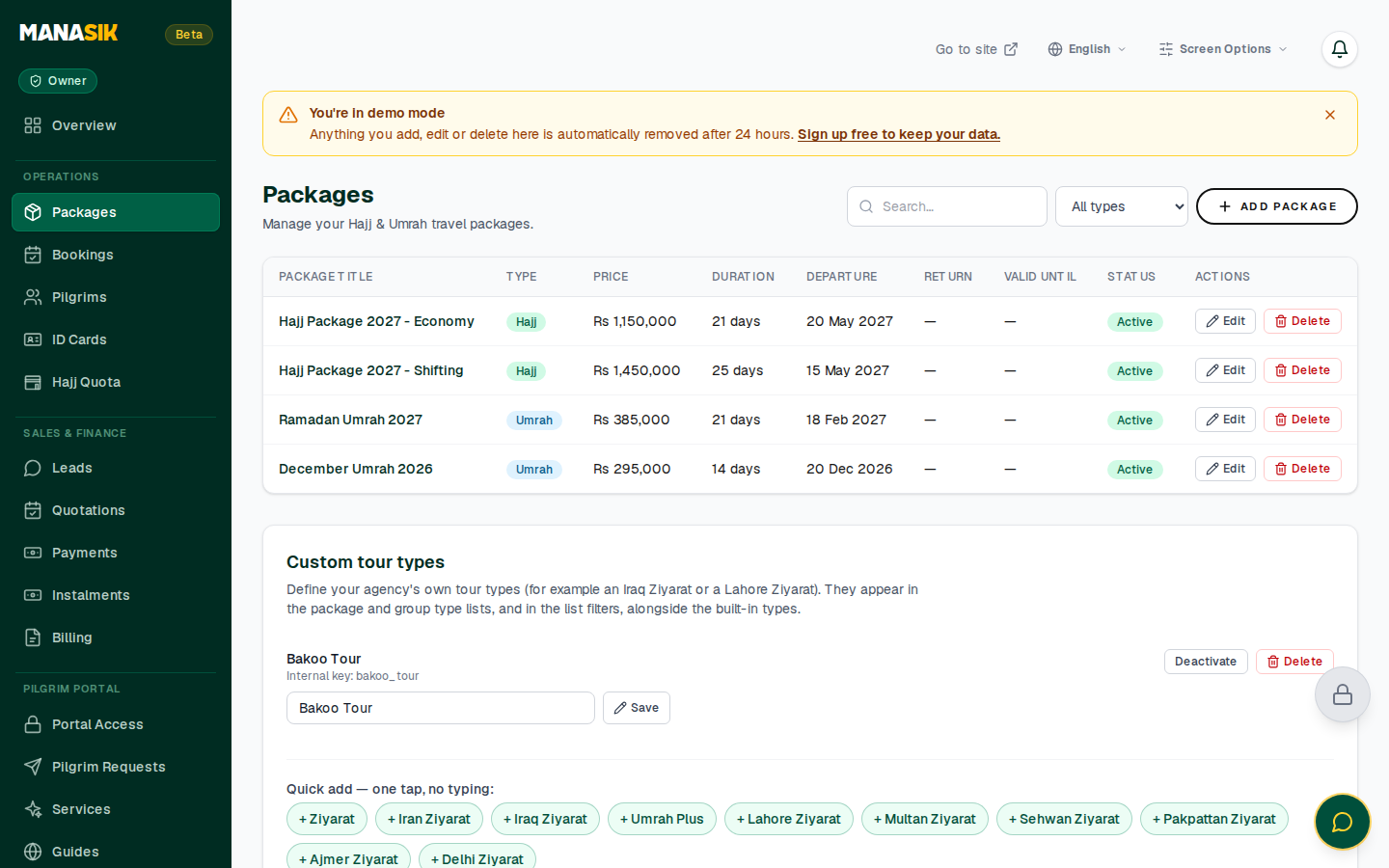
Packages are the tours you sell. The list shows each package's name, type, price, duration, departure date, return date and validity, with its status.
Add a package
- Click Add package.
- Enter the Package title (for example "Ramadan Umrah 2027").
- Choose the Package type: Hajj, Umrah, Ziyarat — Iran, Ziyarat — Iraq, Al Quds, or one of your own custom types. - Choose Custom and a name field appears — write your own type name (for example "Lahore Ziyarat"). The name is saved as your agency's own tour type and appears in the lists from then on.
- Enter the Price, Duration (days), Departure date, Return date and Valid until — the last date on which the package can be sold.
- Add a Description of what is included (hotel, transport, meals…) and save.
Custom tour types — one tap
At the bottom of the Packages page, the Custom tour types card manages your agency's own types:
- Quick add chips — tap a ready-made type to add it in one tap: Ziyarat, Iran Ziyarat, Iraq Ziyarat, Umrah Plus, and the great Sufi cities — Lahore, Multan, Sehwan, Pakpattan, Ajmer and Delhi Ziyarat. A chip disappears once that type exists.
- Type your own — write any other name in the field and add it.
- Delete — remove a type you no longer use from the same card.
Manasik is built for Hajj, Umrah and Ziyarat, so the ready-made suggestions stay within those tours.
5. Groups (Pro)
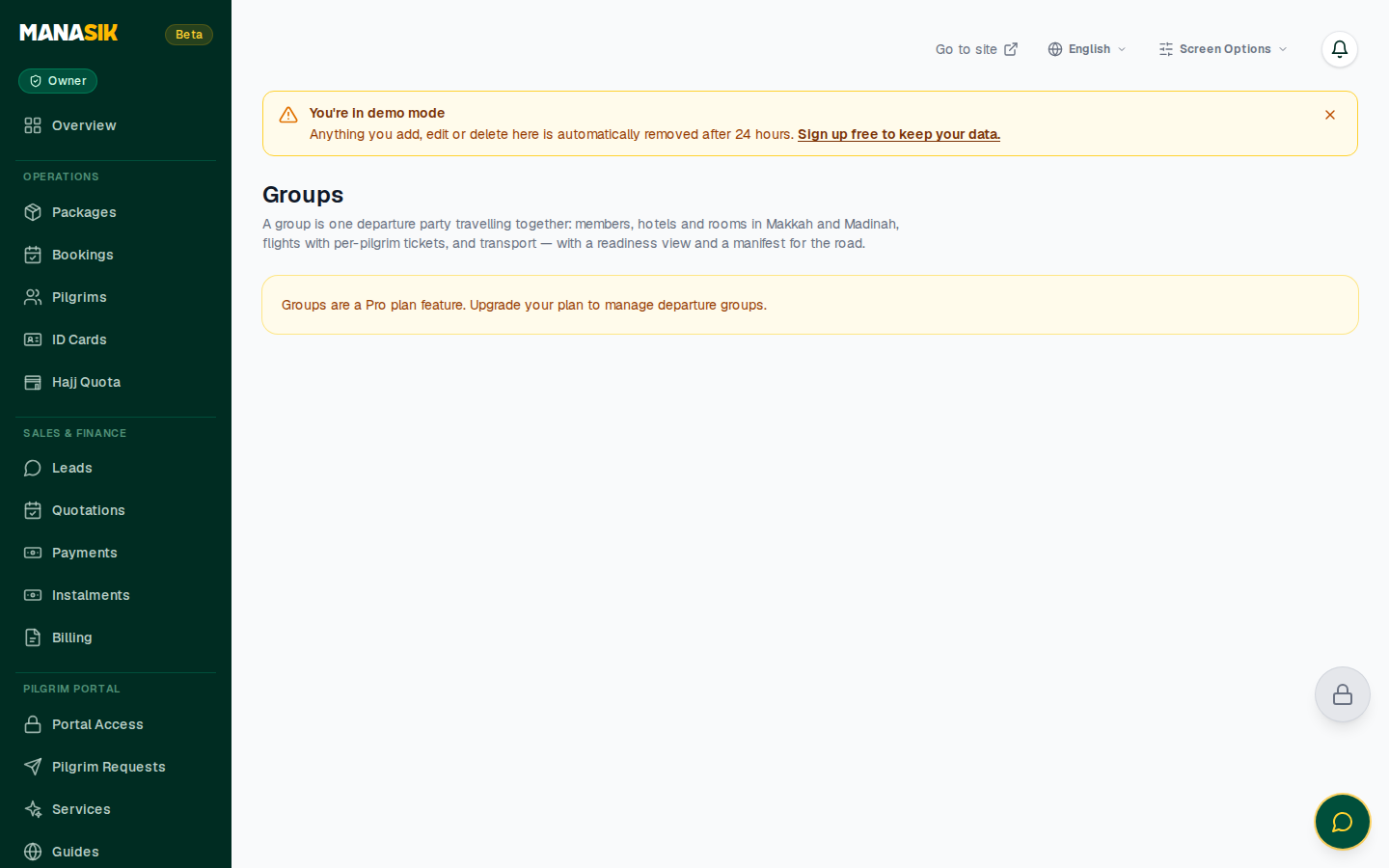
Groups organise the pilgrims travelling together on one departure. Groups is a Pro-plan feature.
- Create a group with a name, a tour type, a package, departure and return dates, and a capacity.
- Add pilgrims as members, and set the group leader.
- Inside a group, tabs keep the departure organised: - Members — who is travelling - Readiness — what is still pending for the group - Hotels, Flights, Transport — the arrangements - P&L — the group's profit and loss - Manifest — the final travelling list
6. Leads
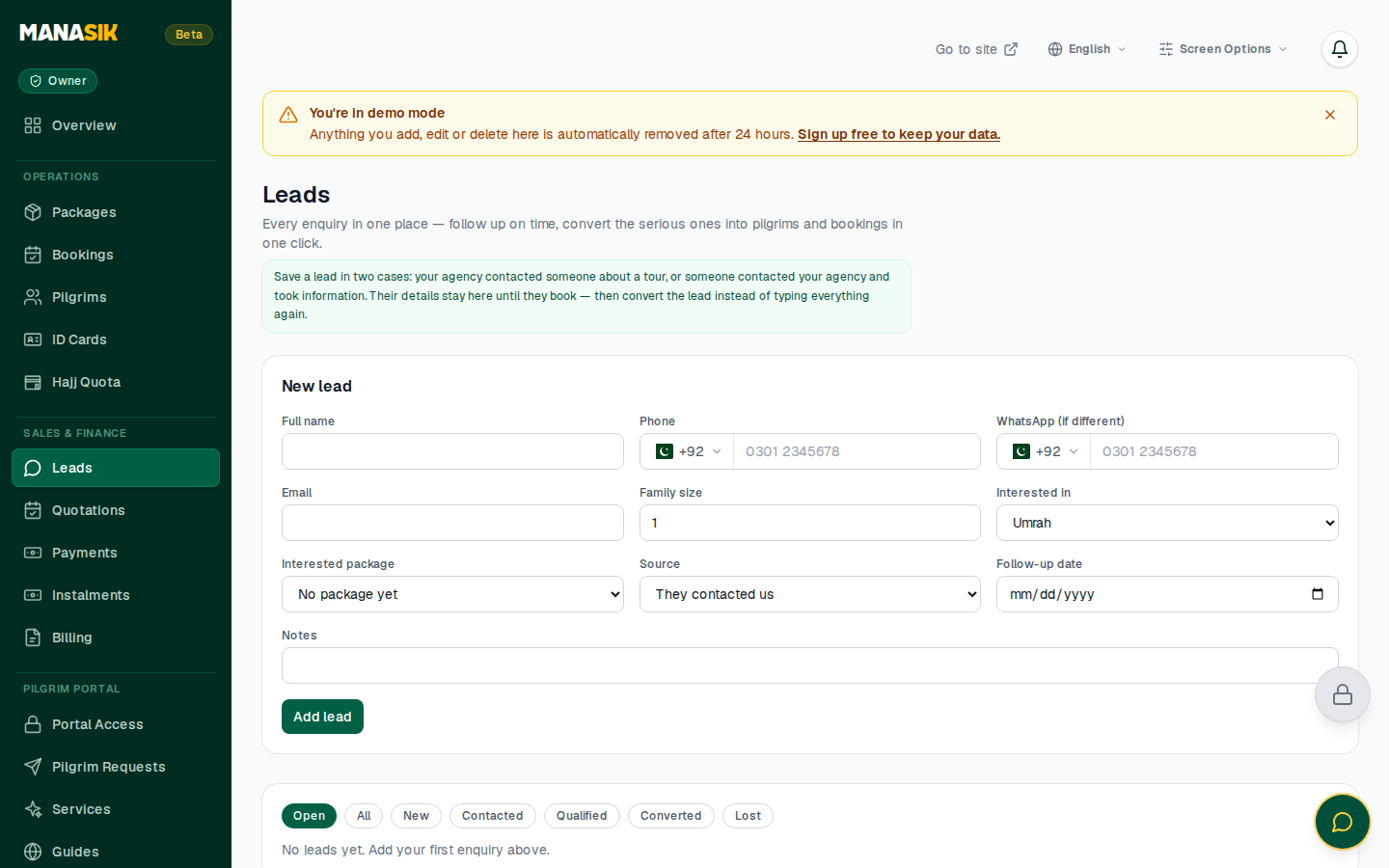
Leads are enquiries that are not bookings yet:
- Click to add a lead: name, phone and WhatsApp, email, family size.
- Set the interest (Hajj, Umrah, Ziyarat — Iran, Ziyarat — Iraq, Al Quds or custom), a package if known, and the source of the enquiry.
- Set a follow-up date so no enquiry is forgotten.
- The page header keeps count of your leads and their state, so the team works the pipeline every day.
7. ID Cards
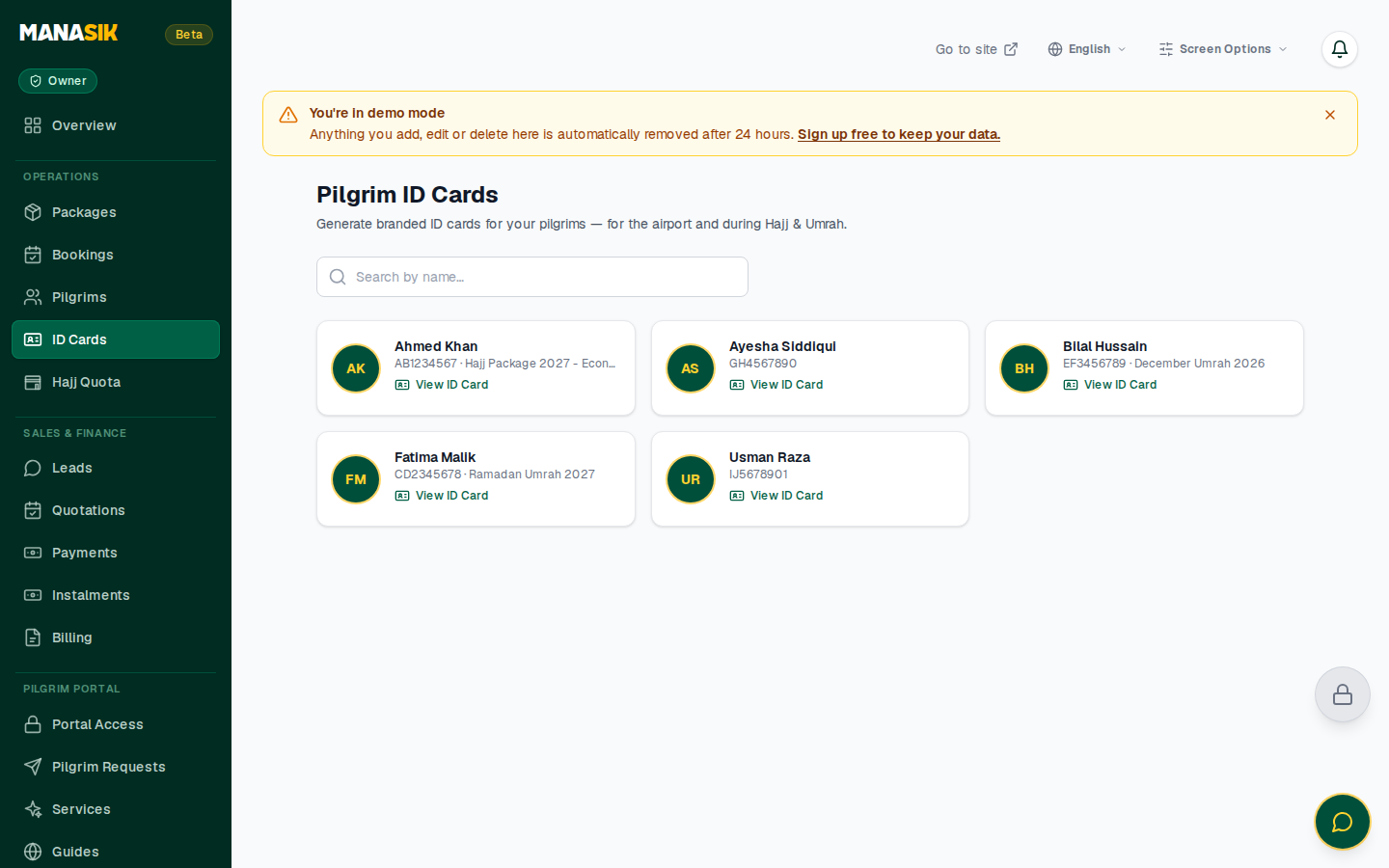
Manasik prepares a printed ID card for every pilgrim — photo, name, agency and a verification QR code:
- Open ID Cards to see every pilgrim's card.
- Click Generate All ID Cards to prepare the full set for a departure.
- Print the cards for your group before travel.
8. Documents & Visa (Pro)
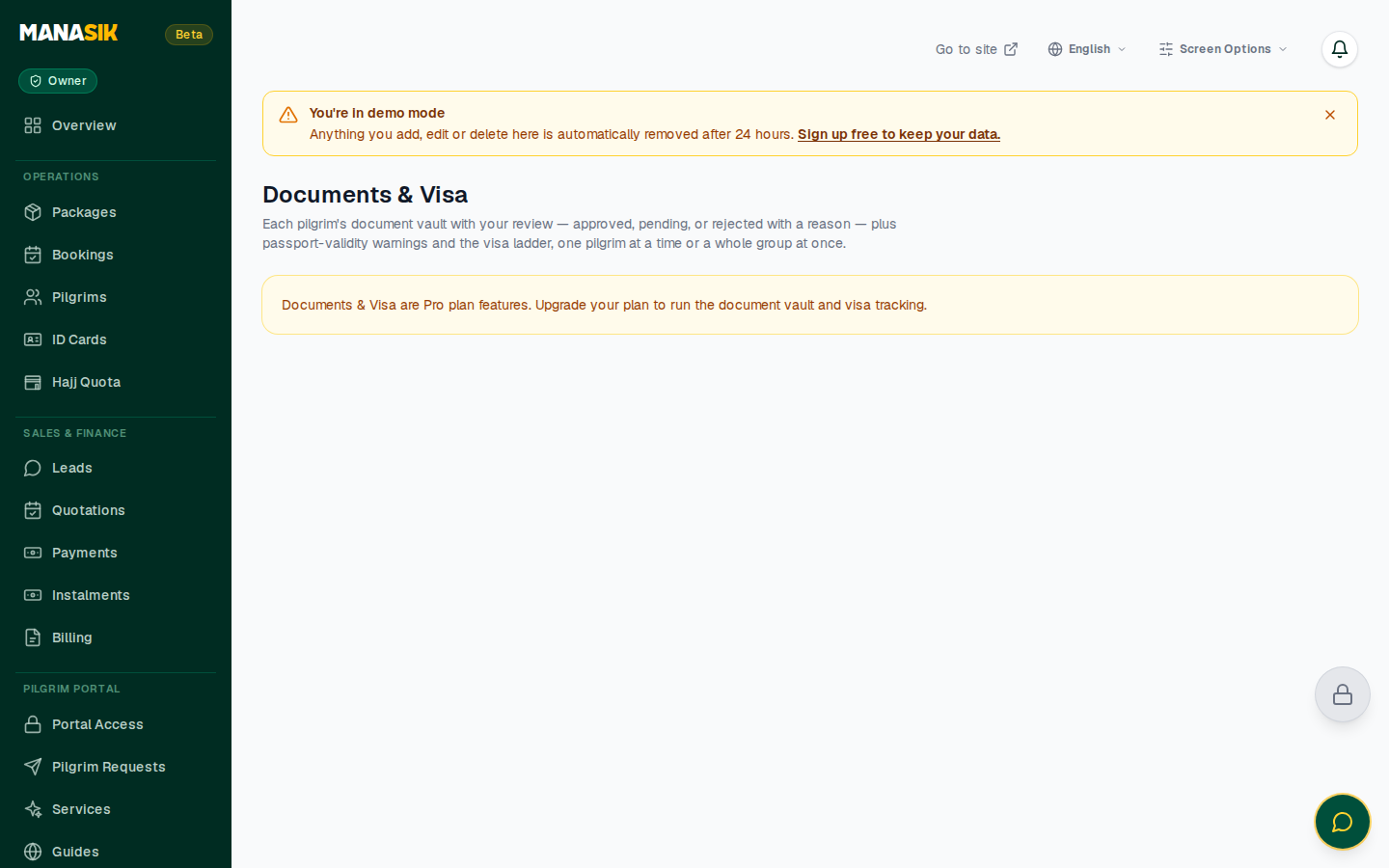
Keep every pilgrim's paperwork in one place. Documents & Visa is a Pro-plan feature.
- Each pilgrim has a document vault (passport and other documents uploaded from the pilgrim record).
- Track document and visa progress per pilgrim, so a missing paper is visible long before departure day.
9. Hajj Quota
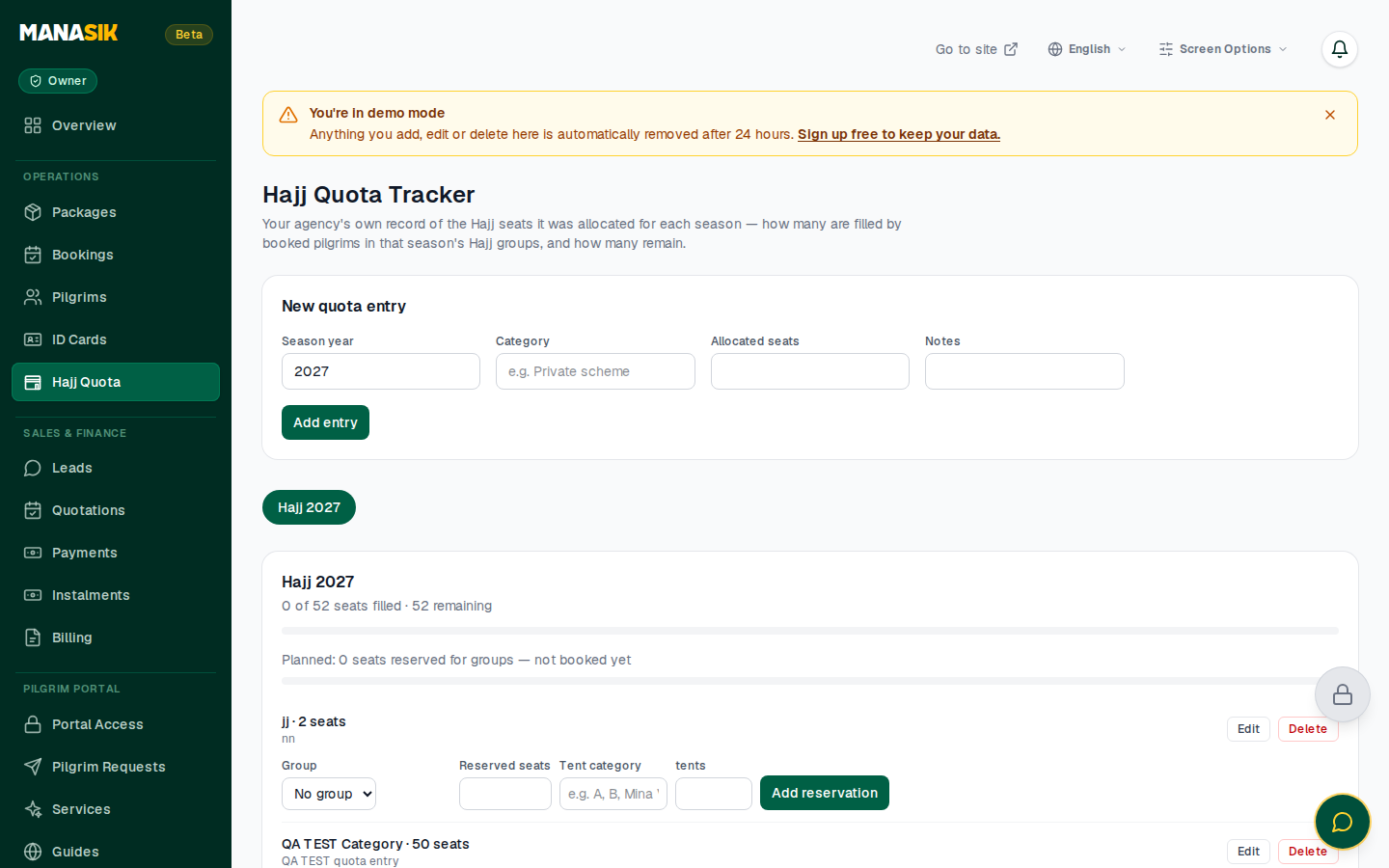
For agencies with a Hajj quota, this page tracks it season by season:
- Allocated — seats your agency received
- Used — seats already booked
- Available — seats still free
Add each season's allocation as you receive it; the used figure follows your Hajj bookings.
10. Team
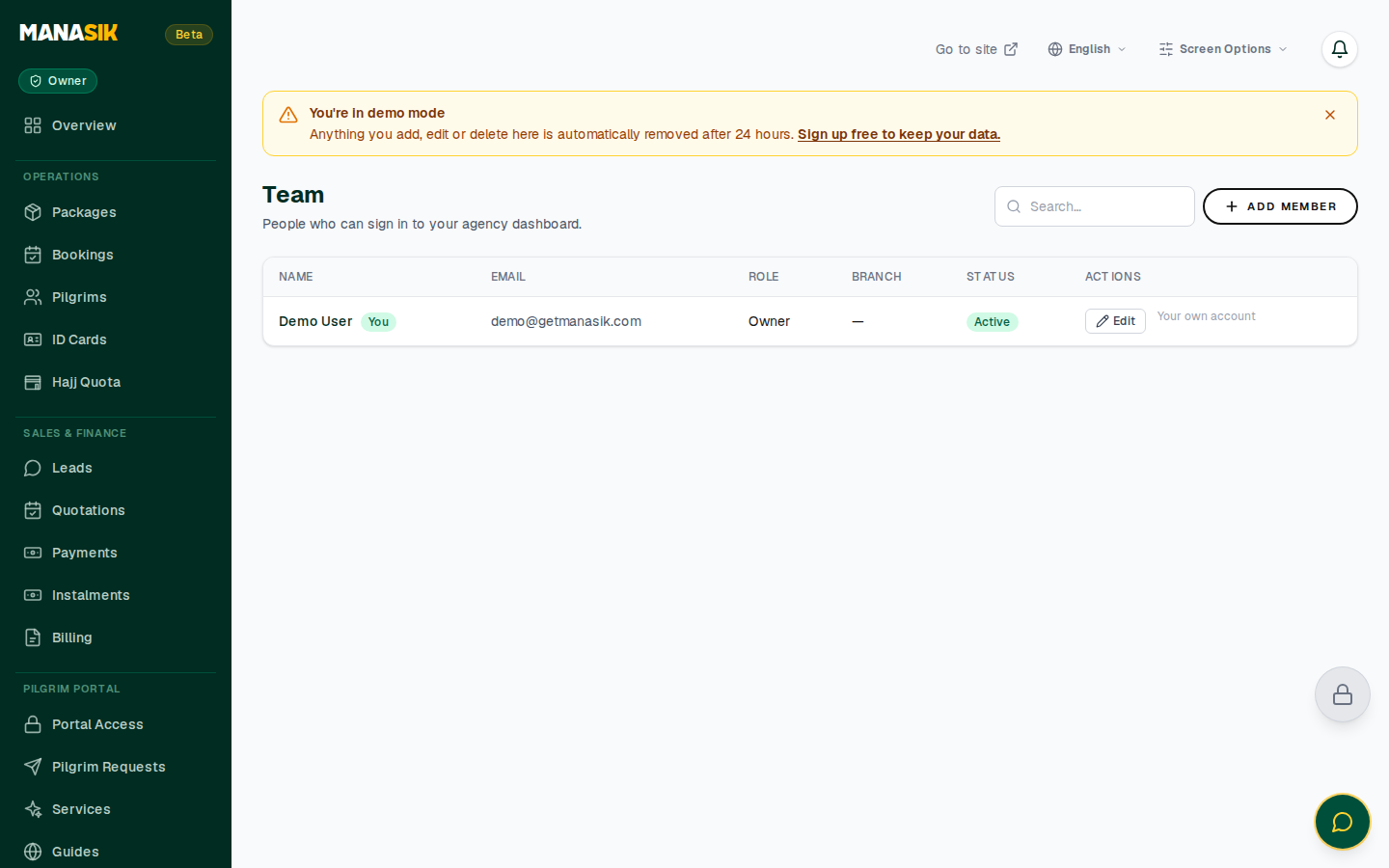
Work together instead of sharing one login:
- Click Invite Member and enter the person's email and role.
- Roles control what a member can see and do; the agency owner keeps full control.
- A member can be deactivated at any time (for example when someone leaves) without deleting the agency's data.
11. Sub-agents (Pro)
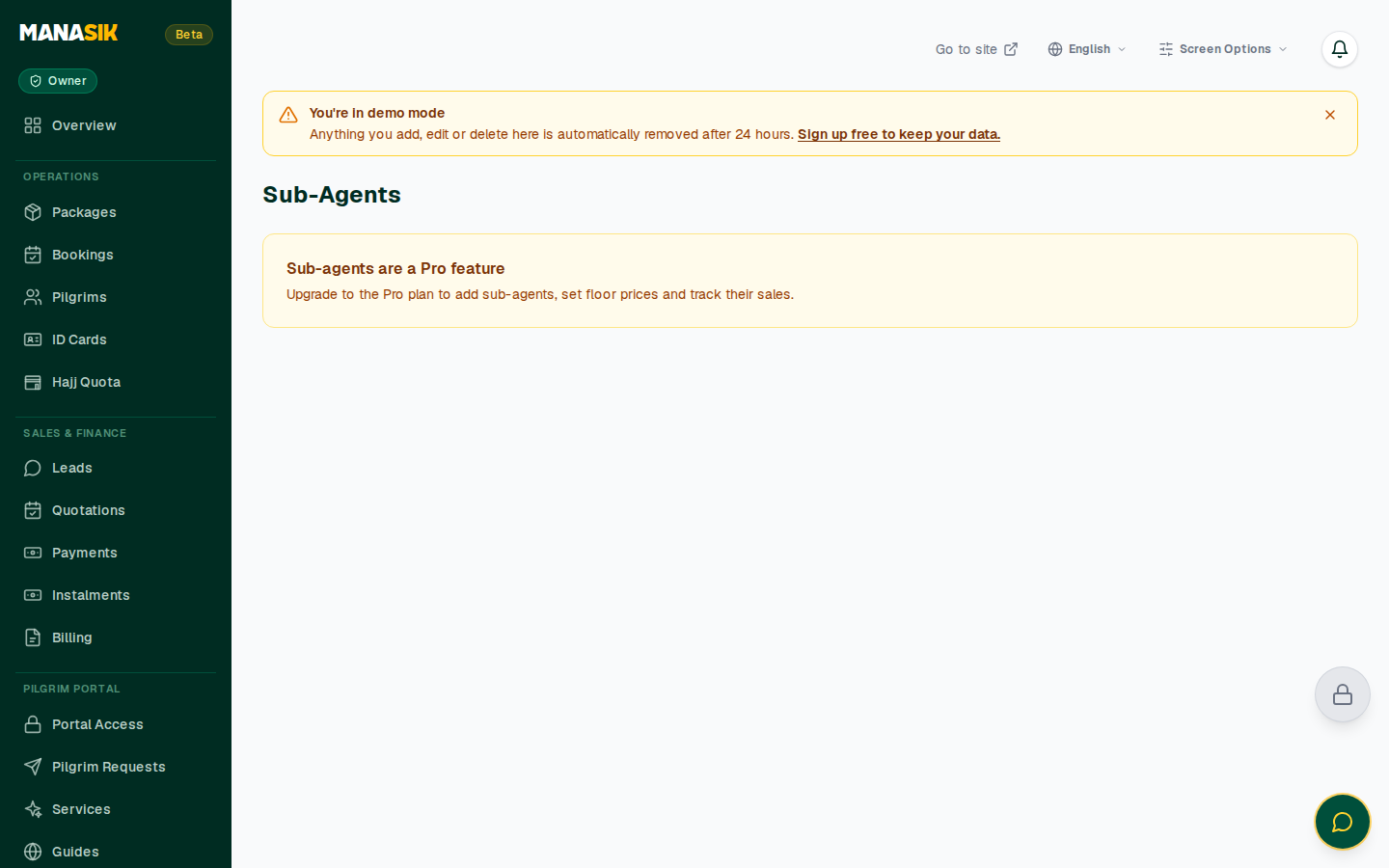
Sell through sub-agents while keeping control. Sub-agents is a Pro-plan feature.
- Add sub-agents and see their sales in your dashboard.
- Set a floor price per package (including a default floor on the package form) — a sub-agent cannot sell below it.
12. Reports
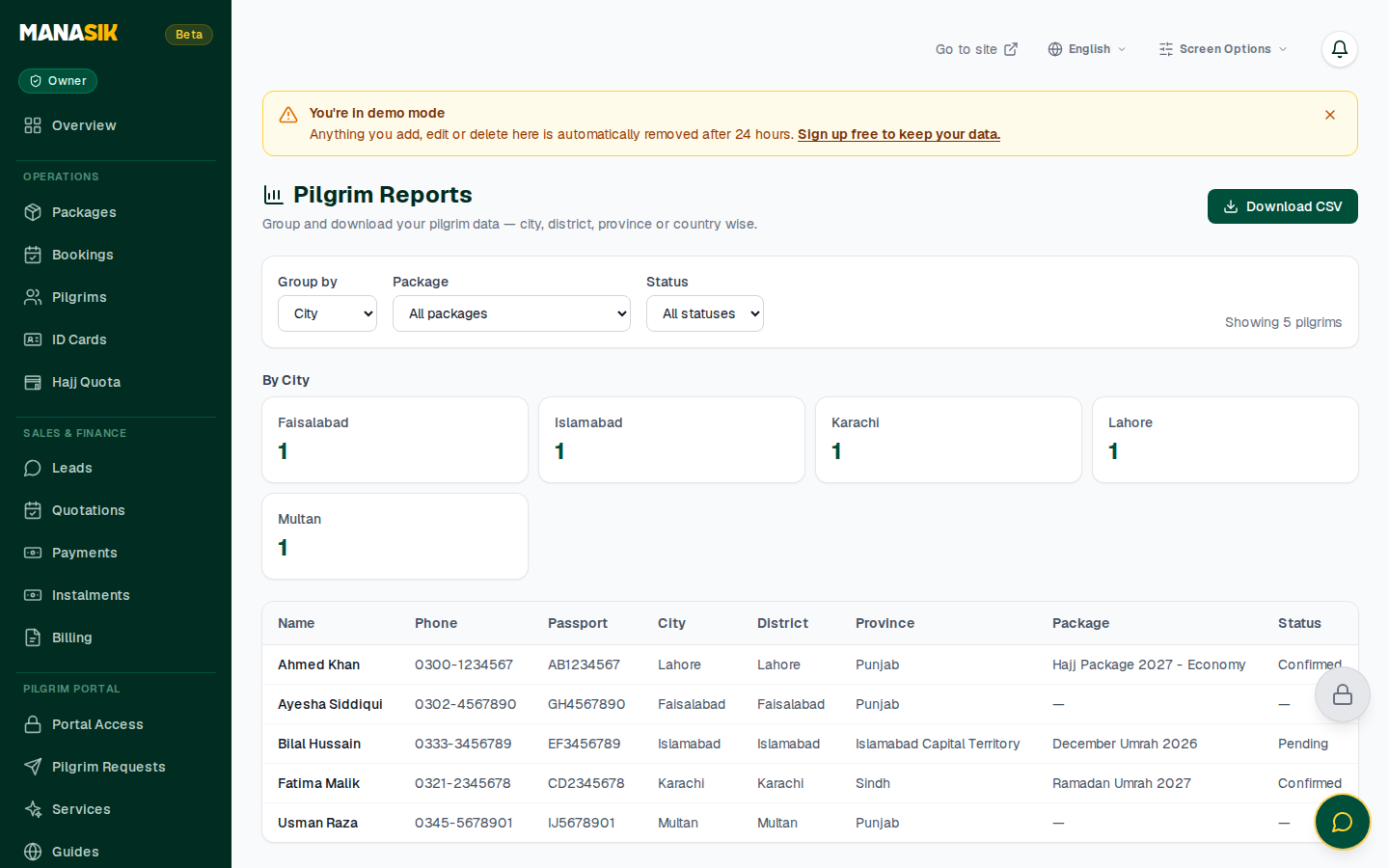
Reports answer the owner's questions without a spreadsheet:
- Tabs — All Reports, Package, Financial, Booking, Payment and Pilgrim views
- The Financial view totals revenue, bookings, payments and outstanding amounts
- Download or Print any report for your records
13. Billing
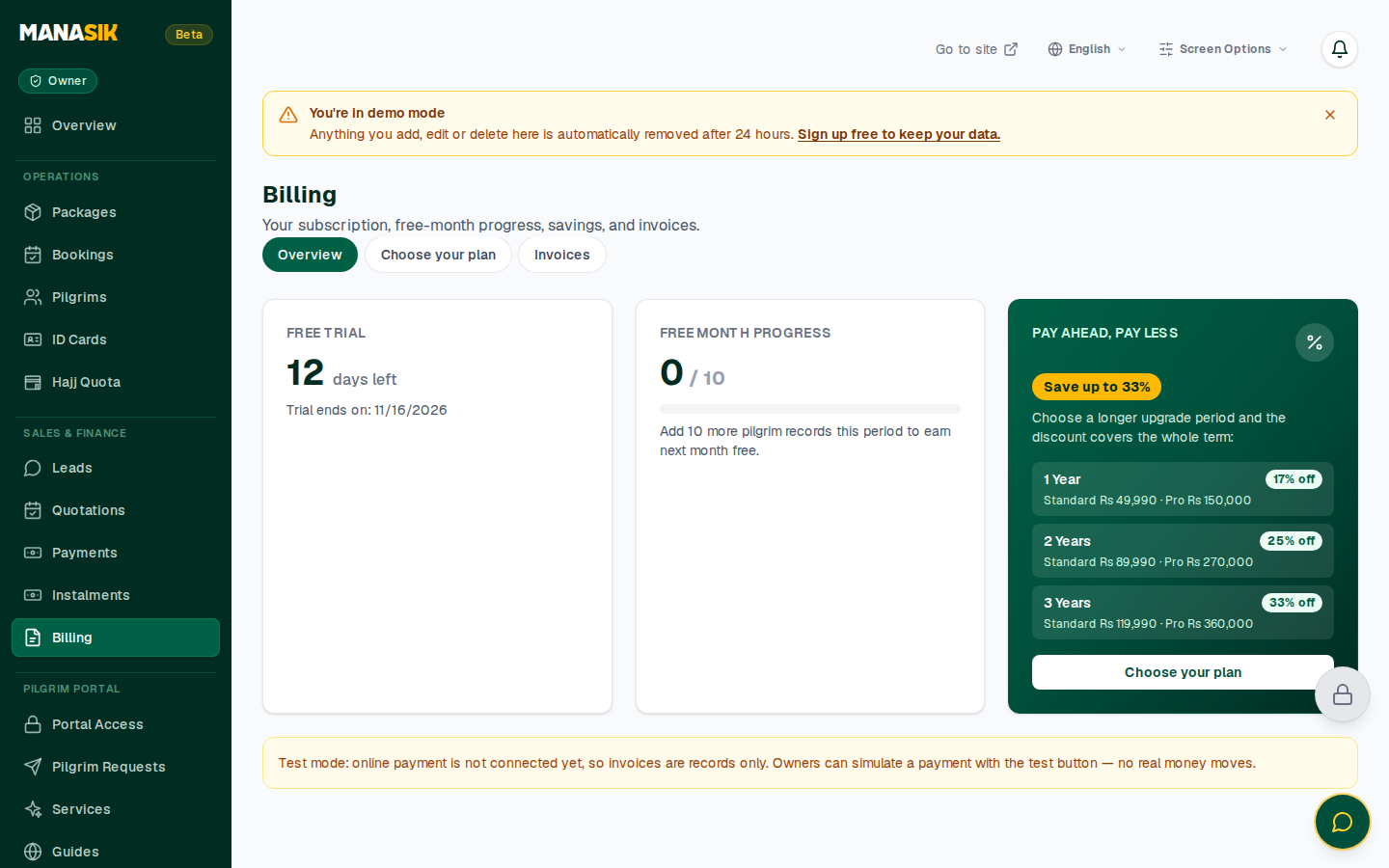
The Billing page shows your agency's Manasik subscription:
- Your current plan and, during the trial, how many days are left
- Plan usage and payment history
- Plans: Standard — Rs 4,999/month and Pro — Rs 15,000/month, with discounted 1-year, 2-year and 3-year options. Groups, Documents & Visa and Sub-agents are Pro features.
14. Settings
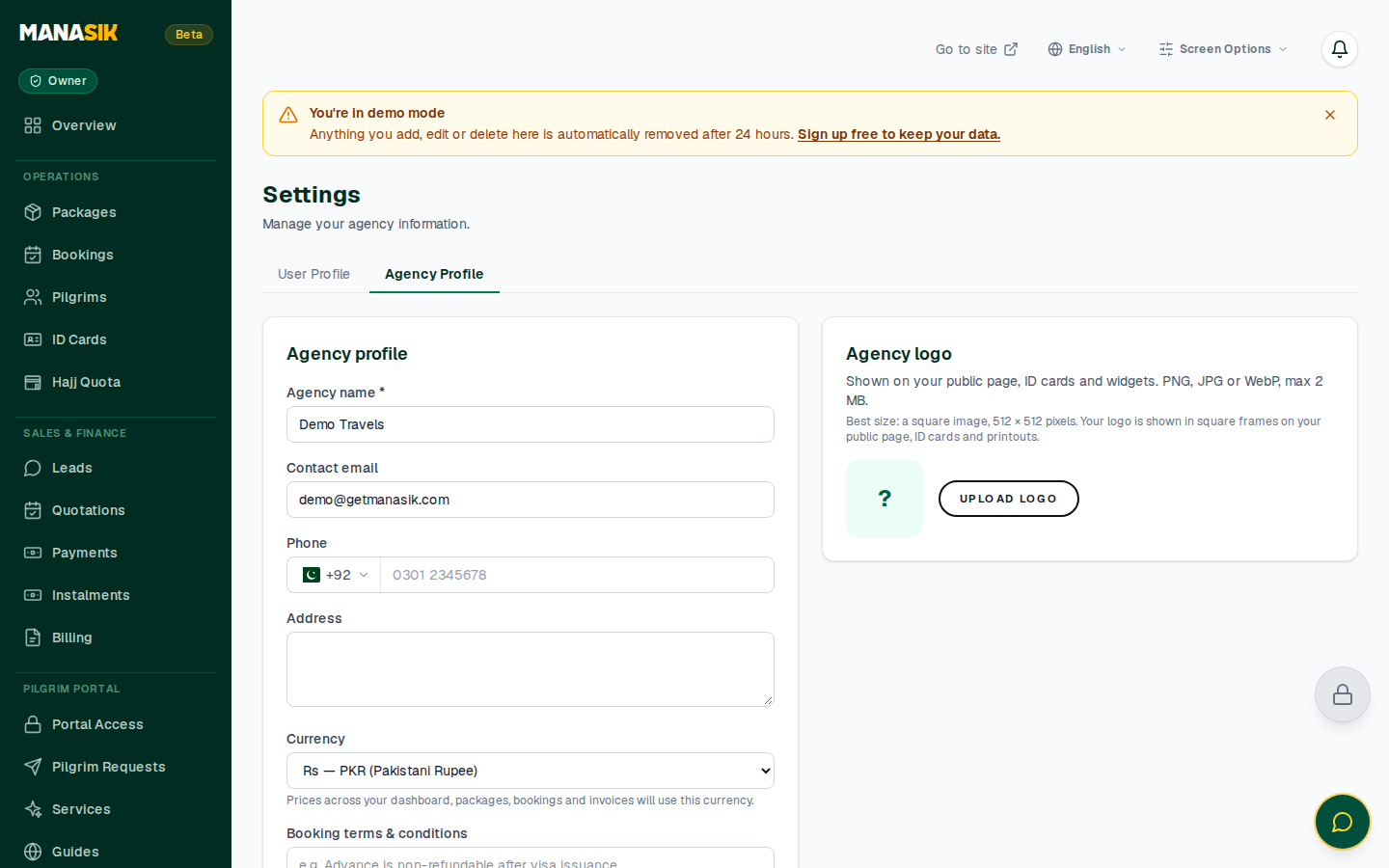
- User Profile — your own name and account details
- Agency Profile — agency name, email, phone and address shown to your customers
- Security — you can also turn on two-step verification for your account from Settings.
15. Your Website
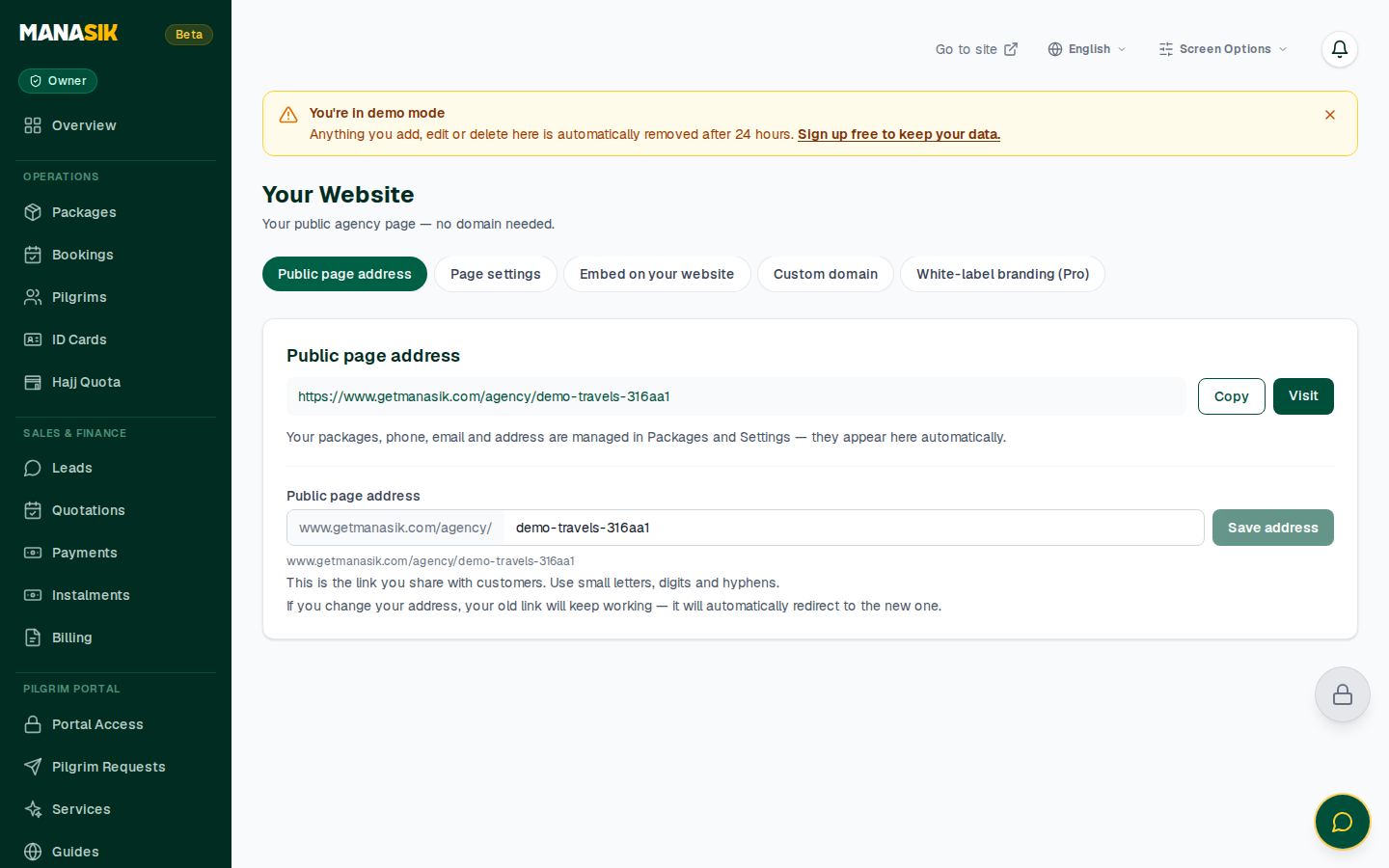
Every agency gets a public page at no extra cost — getmanasik.com/agency/your-agency:
- Copy the address or Visit the page to see what customers see: your packages and contact details.
- Tabs manage the page's Settings, Widgets and — on Pro — Custom domain and White-label options.
16. Muawin — your AI assistant (Pro)
Muawin is Manasik's built-in AI assistant for agency work. Ask it in plain language — English or Urdu — and it answers from your agency's own data and workflows, inside the dashboard.
17. Good to know
- Demo account — the live demo resets itself; feel free to practise in it before working on real data.
- Work offline — if the connection drops, the app keeps working and shows "Syncing…" until your changes are safely saved.
- Help — write to us at salam@getmanasik.com.